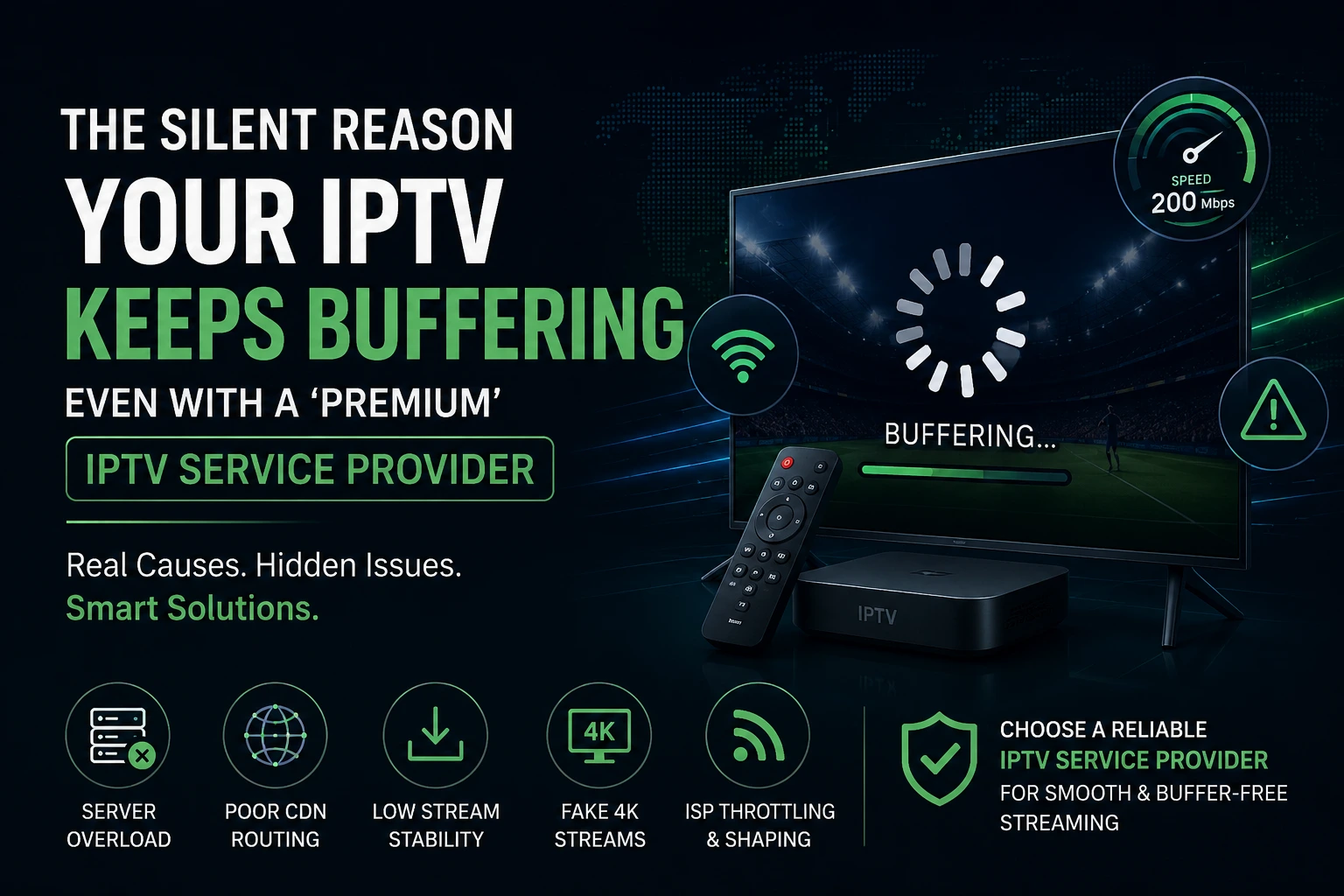
If you’ve ever tried to watch a live match, movie, or series only to be interrupted by constant buffering, you already know how frustrating IPTV can feel. Even worse is when you’re paying for what’s advertised as a “premium” experience from your IPTV service provider—yet the stream still freezes, lags, or drops quality.
Here’s the truth most users don’t realize: buffering is rarely caused by your internet speed. Instead, it usually comes down to how the IPTV system is built behind the scenes.
In this article, we’ll break down the real reasons IPTV buffers, even on high-end services, and what actually separates a stable provider from an unreliable one.
Why “Premium IPTV” Still Buffers in 2026
The word “premium” is heavily overused in the IPTV industry. In reality, it is not a technical certification—it’s just a marketing label.
Many IPTV services advertise features like 4K streaming, instant channel switching, and zero buffering. But performance depends entirely on infrastructure, not branding.
When too many users connect at the same time, especially during live sports or peak hours, even a so-called premium IPTV service provider can struggle if their backend systems are not built to scale.
The Real Cause of IPTV Buffering (It’s Not Your Internet)
A stable 100–300 Mbps internet connection is more than enough for IPTV streaming. So when buffering happens, the issue is almost always on the provider’s side.
Server Overload During Peak Hours
Many IPTV providers oversell access far beyond their server capacity. This works during normal hours but collapses during high-demand events like sports games or new releases. When servers are overloaded, streams start buffering, freezing, or automatically lowering quality.
Weak Content Delivery Network (CDN) Setup
A CDN is responsible for delivering video content to users. If it is poorly optimized or too far from the viewer’s region, latency increases and playback suffers. This is especially noticeable for US viewers when servers are hosted overseas or lack regional edge distribution.
For reference, companies like Cloudflare and Akamai have shown that reducing latency in video delivery significantly improves streaming stability and reduces buffering events.
Why “Premium” IPTV Labels Are Often Misleading
Most users assume that switching to a “premium” service guarantees better performance. Unfortunately, that’s not always true.
Shared Streams vs Real Infrastructure
Many IPTV brands are simply resellers using the same upstream sources. That means multiple providers may actually be delivering identical streams from the same backend systems.
A truly reliable IPTV service provider invests in dedicated servers, load balancing, and scalable infrastructure instead of just repackaging existing streams.
The Fake 4K Problem
Not all “4K” streams are real 4K. Many are simply upscaled HD content. During fast motion scenes like sports, this becomes obvious through pixelation, compression artifacts, and frame drops.
Hidden Issues That Also Cause IPTV Buffering
Even when the provider is part of the problem, your local setup can also impact performance.
ISP Throttling
Some internet providers intentionally slow down streaming traffic during peak hours. This is known as traffic shaping.
Symptoms include buffering at night, smoother playback during off-peak hours, and normal speed test results even when IPTV is lagging.
Device and App Limitations
Old streaming devices, outdated IPTV apps, or poorly optimized players can also cause lag and freezing. Clearing cache, updating apps, or switching devices often improves performance instantly.
Network Quality: The Overlooked Factor Most IPTV Service Provider Users Miss
A lot of users focus only on internet speed when judging performance from their IPTV service provider, but network stability is just as important as bandwidth. Even with fast internet, unstable Wi-Fi signals or packet loss can cause buffering, freezing, and resolution drops.
Wi-Fi vs Wired Connection
Wi-Fi connections are more vulnerable to interference, especially when multiple devices are connected at the same time. If your IPTV service provider streams are unstable, switching to a wired Ethernet connection often reduces buffering immediately and improves playback consistency.
Router Quality and Optimization
Many users underestimate the role of their router when using an IPTV service provider. Older routers struggle with continuous HD or 4K streaming, while modern routers with QoS (Quality of Service) settings can prioritize IPTV traffic and significantly improve performance.
How Different IPTV Technologies Affect IPTV Service Provider Performance
Not all systems used by an IPTV service provider are built the same. The underlying streaming technology directly impacts buffering, speed, and video quality. Understanding these differences helps explain why some providers feel stable while others constantly lag.
Unicast vs Multicast Streaming
Unicast streaming sends a separate stream to each user, which increases server load and can lead to buffering during peak hours. Multicast, on the other hand, allows an IPTV service provider to deliver a single stream to multiple users, reducing strain and improving stability.
Adaptive Bitrate Streaming
Modern IPTV service provider systems use adaptive bitrate technology to adjust video quality based on your network conditions. However, poorly configured systems may downgrade quality too aggressively, which results in blurry or inconsistent playback even when internet speed is stable.
Why Live Sports Are the Real Test of Any IPTV Service Provider
Live sports events are the most demanding test for any IPTV service provider. They expose weaknesses in infrastructure that are not visible during normal viewing.
During high-traffic events, a strong IPTV service provider should maintain stable frame rates, consistent resolution, and minimal delay compared to traditional broadcast TV.
- Stable playback during fast motion scenes
- No sudden resolution drops during peak traffic
- Consistent performance across different devices
If a provider fails during sports events, it usually indicates weak backend scaling or overloaded servers rather than user-side issues.
You can compare real-world performance standards in this guide: Best IPTV Service in 2026.
How to Properly Test an IPTV Service Provider Before Subscribing
Before committing to any long-term plan, it’s critical to test the performance of an IPTV service provider under real-world conditions. This helps you avoid buffering issues, fake “premium” claims, and unstable streaming setups.
What to Test During a Trial
- Live sports stability during peak hours
- Channel switching speed and responsiveness
- 4K vs HD consistency across different channels
- Evening performance when server load is highest
Why Trial Periods Matter
A reliable IPTV service provider will always offer a trial or short-term access because they are confident in their infrastructure. If a provider avoids trials, it often signals instability or overloaded systems that cannot handle real-world traffic.
Final Thoughts
If your IPTV keeps buffering, it’s important to stop assuming it’s just your internet. In most cases, the real issue lies within the IPTV service provider’s infrastructure.
Server capacity, CDN optimization, streaming protocols, and device setup all play a critical role in performance.
Choosing the right provider is not about who offers the most channels—it’s about who can deliver consistent, stable streaming when it matters most.
If you want to compare options or upgrade your setup, start here: View IPTV Subscription Plans.
Related Reading
How to Identify a Reliable IPTV Service Provider
If you want a smooth streaming experience, you need to evaluate providers based on performance—not marketing claims.
What to Look For
- Stable performance during peak hours
- Consistent streaming quality (especially live sports)
- Working EPG (TV guide) without delays
- Trial access or short-term testing options
- Multi-server or backup stream support
You can explore how providers are generally evaluated in this guide: Best IPTV Providers 2026.
Red Flags to Avoid
- No trial or refund options
- Overpromising “all channels in 4K”
- Frequent downtime or channel instability
- Extremely cheap pricing that seems unrealistic
Real-World Insight: Why Infrastructure Matters More Than Content
Industry research shows that improving CDN routing and server distribution can reduce buffering complaints by up to 50–70% during peak traffic events.
This is why two IPTV services can offer the same channels, yet deliver completely different experiences. The difference is not content—it’s infrastructure.
You can learn more about how IPTV technology works here: What is IPTV?
Final Thoughts
If your IPTV keeps buffering, it’s important to stop assuming it’s just your internet. In most cases, the real issue lies within the IPTV service provider’s infrastructure.
Server capacity, CDN optimization, and stream management all play a bigger role than raw internet speed.
Choosing the right provider is not about who offers the most channels—it’s about who can deliver consistent, stable performance when it actually matters.
If you want to compare options or explore better setups, you can start here: View IPTV Subscription Plans.
Related Reading


